Performance and Bugs in Sword & Shield Simulator
What the studio already patched, what reviewers still hit, and which lever to pull first.
Sword & Shield Simulator entered Early Access on Unreal Engine with Lumen and Nanite in its history and a Performance Mode in its present. The picture can look expensive. The hammer can still feel late. This page is the troubleshooting companion to Controls and the honest twin of the Early Access review. It will not replace a patch. It will stop you from throwing a working PC at a VSync problem.
Do this first
- Confirm you meet system requirements. SSD is required on the Steam page. Integrated graphics are a no.
- Switch to Performance Mode if frames collapse in town or at the grindstone. Demo notes said a later pass stopped heavy FPS drops in that mode.
- If the mouse feels delayed, turn off VSync. The studio said VSync can add noticeable input lag. That advice is more useful than a new mouse.
- If UI clicks miss or the pointer cannot press buttons, look for the UI-pointer patch. If it still fails, they asked for a DxDiag and the specific input device.
Then save. Several bugs eat items. A clean save is cheaper than a refund argument.
Bugs players actually reported
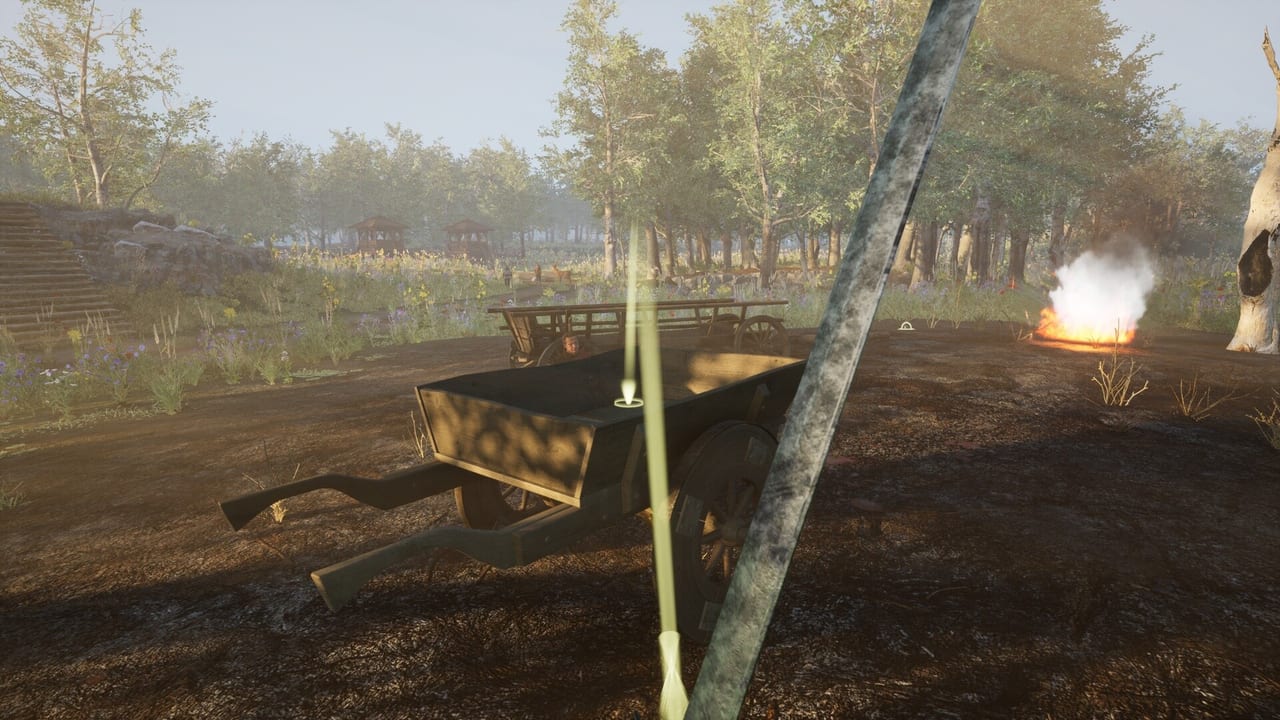
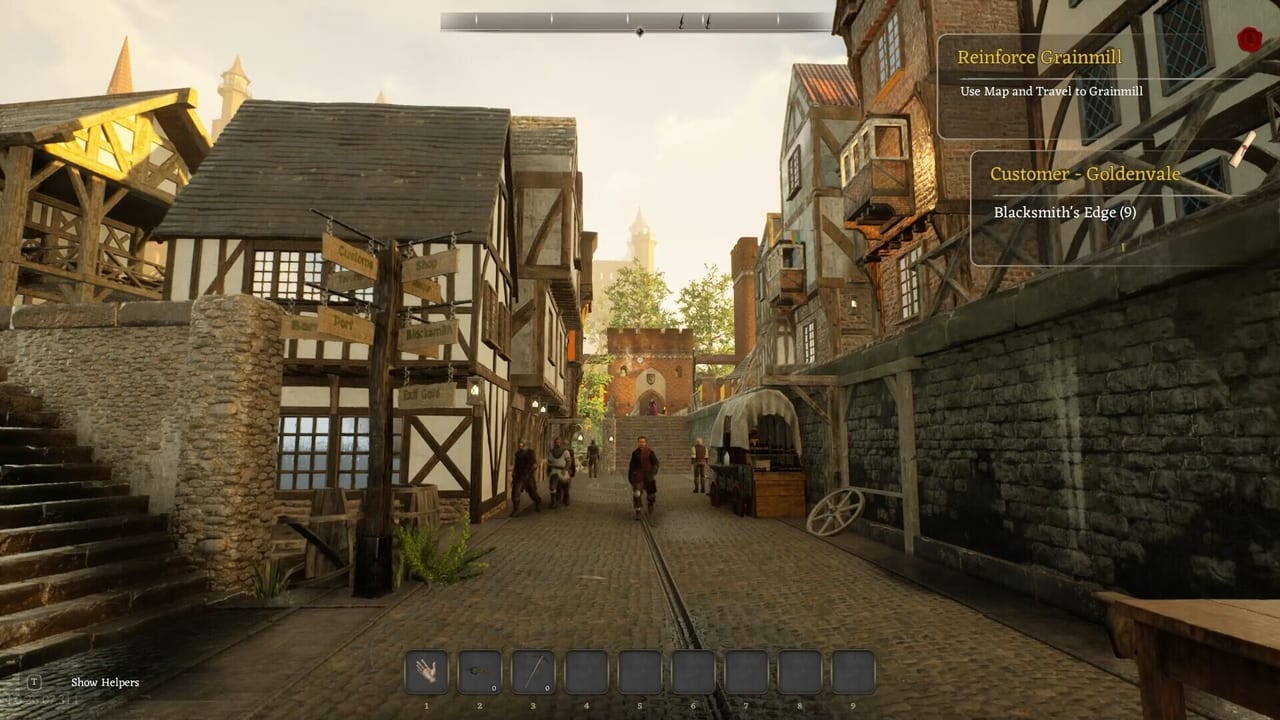
Stuck on the battlefield. Quest wants Grainmill. Cart will not move. This showed up in multiple Negative reviews within hours of launch. It is not a secret parkour skip. Reload an earlier save, avoid repeating the same cart angle, and read How to Travel Regions in case you have not paid a travel trade the game never explained.
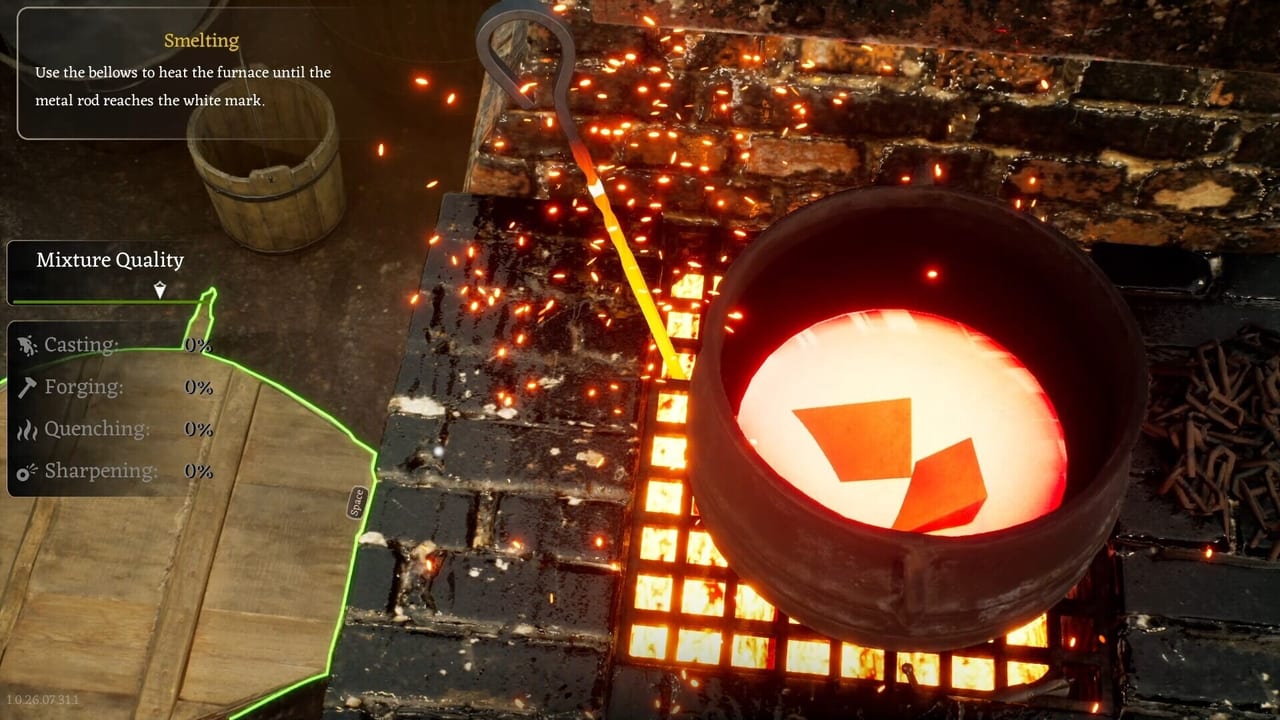
Ghost inventory. Gear falls out of the wagon and vanishes. Storage shows a mesh you cannot pick up. Smelter shows an object you cannot interact with. Stop clicking. Relog. Do not smelt a ghost. The materials guide is useless if the bar never enters the inventory.
Duplication. Dropping a sword used to spawn a hundred swords while you still hold one. Male deer piles blocking the shop. Chisel / disassembly cloning was a launch-day farm. Day One Patch 1.0.26.08.12.3 fixed the chisel clone. If a station still prints extras, that is a regression — record it. Deer piles were not declared dead; hunt only for named quests. See hunting and contracts. Walk away from any stack that looks like a printer.
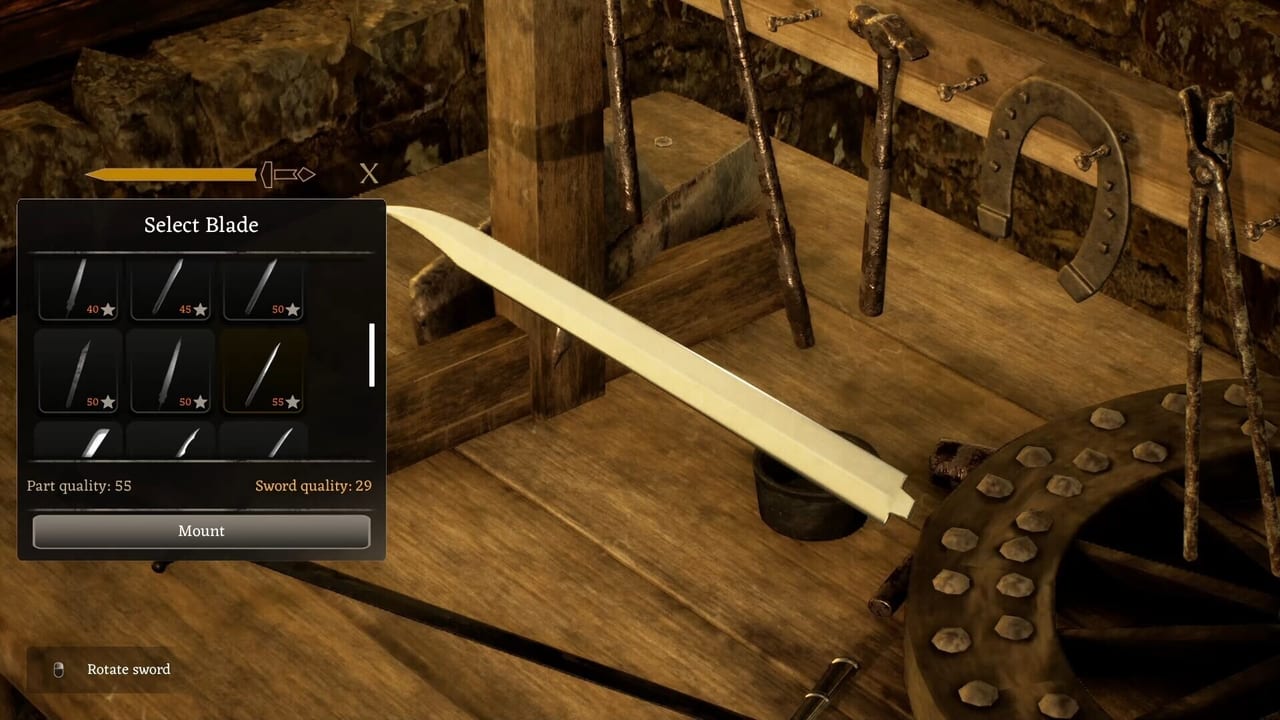
Workbench disappears while designing or casting. Demo patch claimed a fix. If it returns, reload. See Sword Designer.
Quests break after a crash. Flags do not come back. Save before smelting unique pieces and before travel payments.
Cart wheel damage from obstacles you did not touch. Drive wide anyway. Repair when the feature is available. Clipping a guard with the cart should now open a dialogue instead of a cell — that is Day One, not a demo note. If you still jail from a bump, update, then test on a spare save. Lockpicking and prison has the two-minute wait.
Keybinds not saving was a launch complaint. Day One says they save now. Rebind once, restart, confirm. Double UI input with an item preview plus a chest should be gone; close extra windows anyway. Armour and helmets jumping onto the hotbar was also on that changelog.
AI voices. Not a performance bug, but a common refund reason. Mute or lower voice volume. The disclosure on Steam is explicit: all in-game voice-overs were created using AI. The dialogue volume slider was itself a Day One fix.
Settings that help more than a new GPU
You do not need a 3090 to enjoy a furnace, but you do need stable frame pacing for station timing. Cap FPS if the mouse floats. Disable motion blur. Drop shadows and foliage in Danburg streets. Nanite and Lumen were optimisation topics in a Danburg devlog; the team talked about traditional LOD for characters to lower requirements. Let them finish that work. Your job is to pick Performance Mode instead of ultra and then complaining the grindstone stutters.
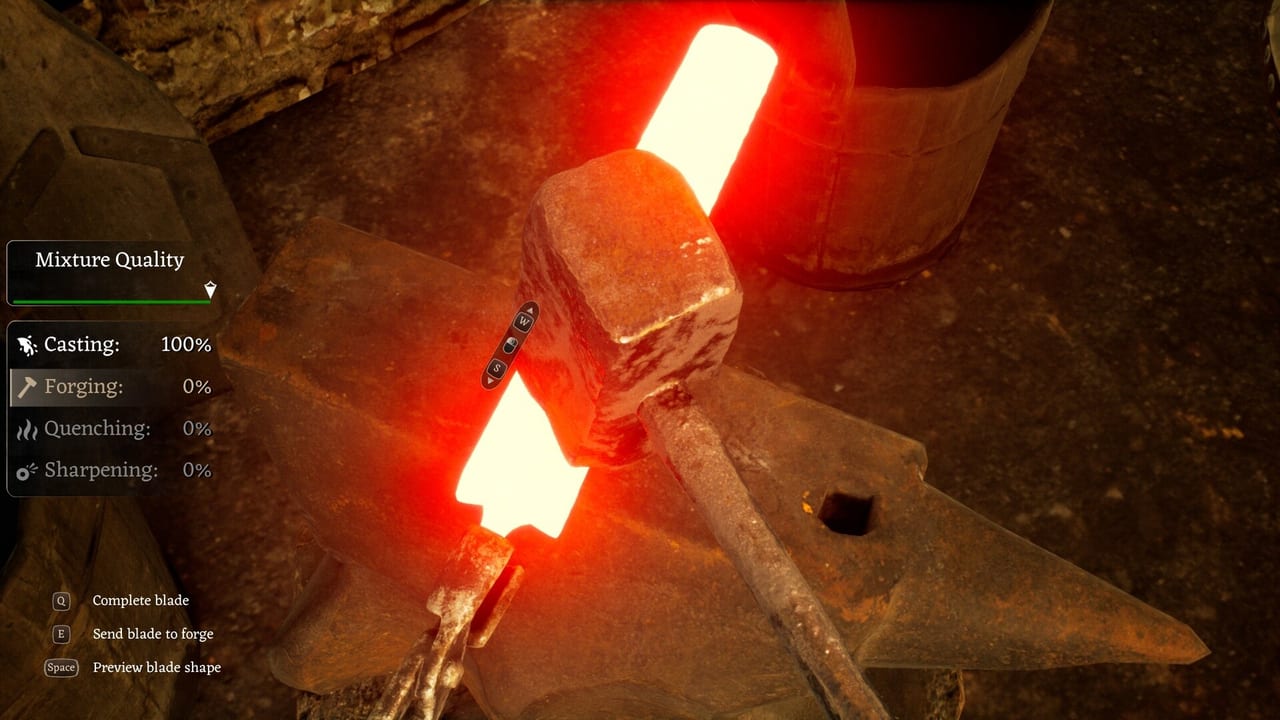
If the game runs well on ultra and the forge still feels slow, that is design and input delay, not your GPU. Reviewers said as much. Do not buy a card to fix a minigame.
How to report without rage-typing
The studio reads Steam forums and Discord (https://discord.gg/ZWaKJdhVcj from the Day One Patch post). Send a screenshot or short video. Name the input device. Attach DxDiag for pointer bugs. Support email on the store page is [email protected]. Be specific: region, station, last save, whether Performance Mode was on.
This wiki is unofficial. We cannot hotfix your cart. We can tell you not to smash the same broken quest for three hours. After you are stable, go back to How to Forge. The anvil is still the product. The patch notes page is where we will hang each official input and performance pass so this list can shrink instead of growing into folklore.
Frequently Asked Questions
Quick answers to the most common questions.
Does Performance Mode really help?
The studio recommends it for hitching, and a demo patch targeted FPS drops in that mode. Try it before you lower every slider blindly.
Should I leave VSync on?
If the mouse feels late, turn it off. The developers called out VSync input lag explicitly.
I am stuck on the battlefield. Is my save dead?
Maybe. Reload an earlier save, check travel requirements, and stop repeating the same cart path. Report it with a video if it persists.
Are duplicate swords a farm?
No. They are a bug. Avoid the stack and save elsewhere.