Sword & Shield Simulator System Requirements
The Steam table, what SSD required really means, and how to fail this game without failing the GPU checkbox.
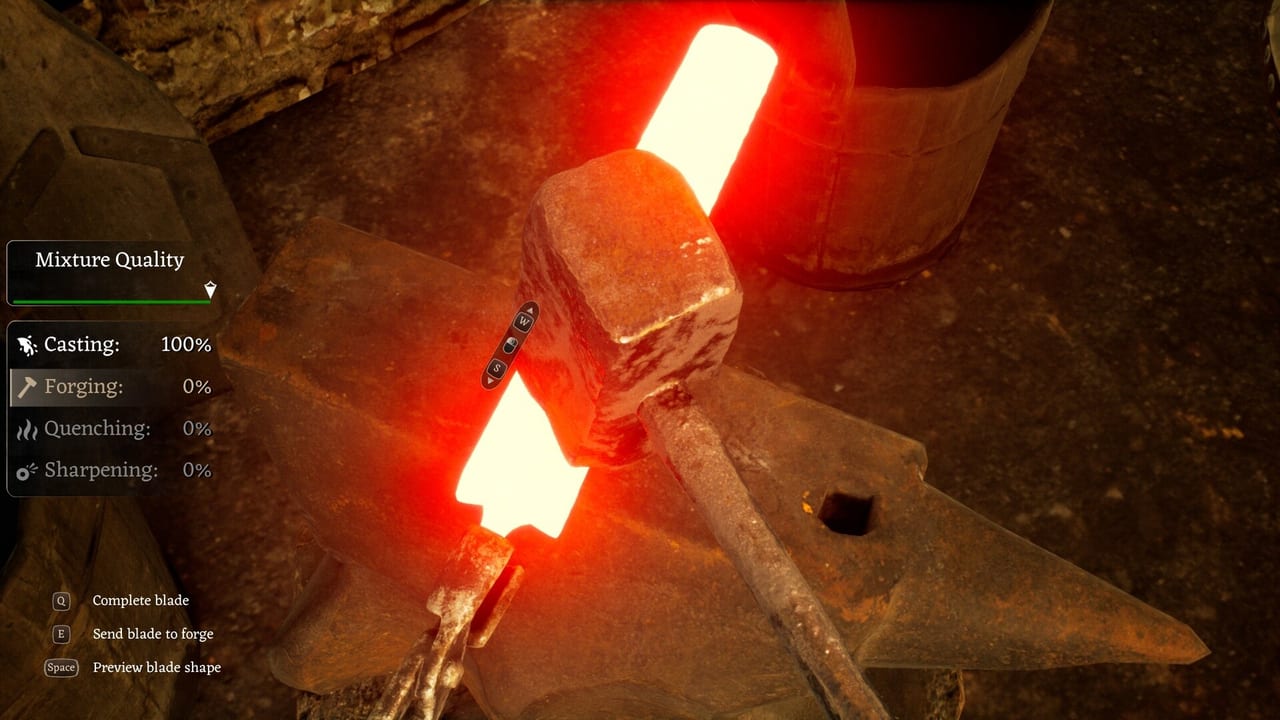
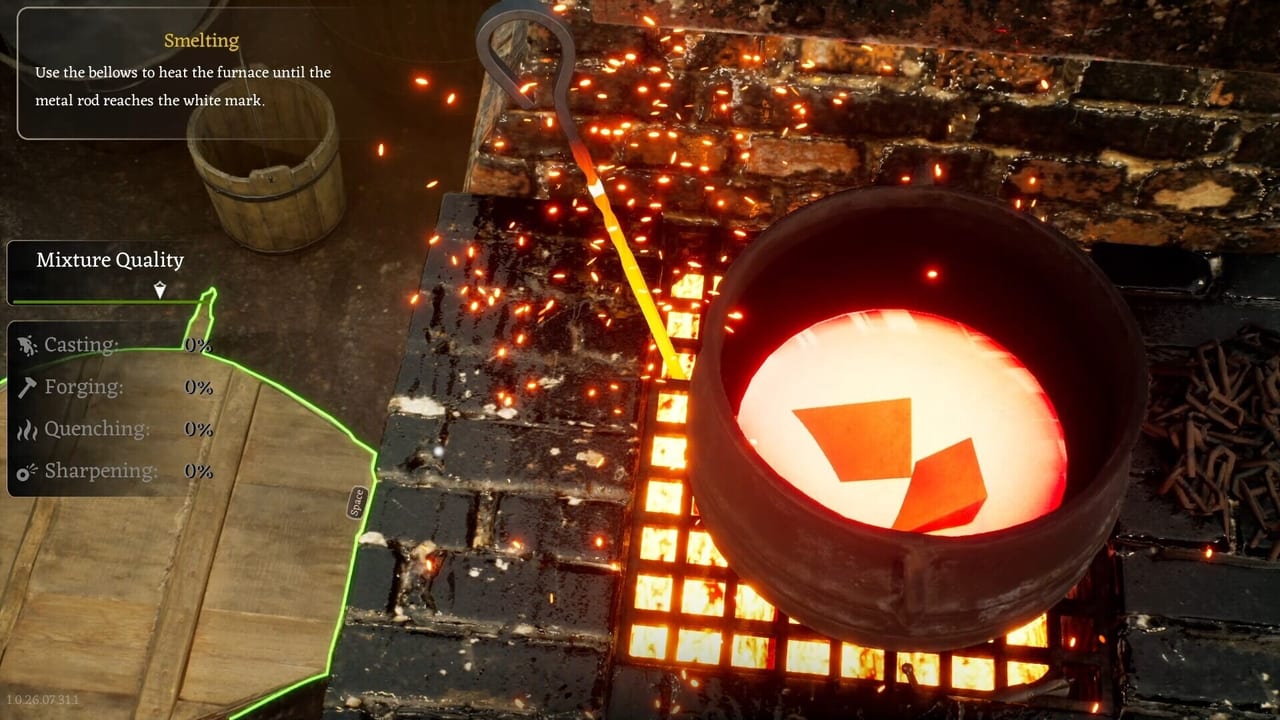
Sword & Shield Simulator is a Windows-only Unreal Engine title. The Steam page lists a 64-bit OS, DirectX 12, an SSD, and a GTX 1070 8 GB / Radeon RX Vega 56 8 GB class card at minimum. Recommended is Windows 11, an i5-10400F / Ryzen 5 3600, 16 GB RAM, and an RTX 2070 / RX 5700 XT class GPU. Storage is listed at 8 GB. Sound needs a DirectX-compatible device. This page translates that table into decisions, then sends you to Performance and Bugs because a matching GPU can still feel like a late mouse.
Minimum versus recommended
Minimum is “60 FPS at 1080p on Low” in the additional notes. That is not ultra screenshots. If you buy this to stare at Lumen reflections, you want recommended or better. If you buy this to hit iron, Low is acceptable. Integrated graphics are a bad idea; older demo notes said they are not supported.
RAM at 8 GB is the floor. Close the browser. 16 GB is the comfortable line. An HDD will hitch even if the GPU is fine. “SSD required” is not flavour text.
CPU: i5-8400 / Ryzen 5 1600 at minimum. Town crowds and station animations will show a weak CPU as stutter, which you will blame on the grindstone.
Steam Deck, Mac, Linux
The store lists Windows. Mac and Linux requirements are empty. Steam Deck compatibility was not a confident Yes at launch on third-party listings. Do not assume a handheld is a supported smithy.
Settings that matter more than a new card
Performance Mode exists because the team knows the cost of their lighting history. Use it in Danburg streets. Turn off VSync if the cursor is late. Cap FPS if the mouse floats. Drop foliage and shadows before you drop resolution so you can still see ore veins.
A reviewer on a 3070 Ti still talked about bugs, not frames. A reviewer on a 4070 laptop still called the game unpolished. Hardware will not fix duplicate swords. Hardware will fix a 20 FPS market. Know which problem you have.
Pre-purchase checklist
- OS Windows 10 64-bit or newer.
- DirectX 12 GPU with dedicated VRAM in the 1070 / Vega 56 class or better.
- SSD with 8 GB free, preferably more for shader cache.
- Mouse and keyboard. Do not trust an unlisted controller on day one.
- Read the Early Access review so you are not buying a trailer.
If you fail the table, wait. If you pass the table and hate unfinished sims, still wait. If you pass and like forges, install on the SSD, start in Performance Mode, and keep Getting Started open. The Review Hub is the parent of this page. The Updates Hub is where requirements might soften if LOD work continues. Until then, believe the Steam box, not a YouTube ultra preset.
Demo notes versus live table
Older demo text mentioned different CPU examples and a 30 FPS low target. The live Steam table for the Early Access product is the one at the top of this page. If a third-party site still quotes the demo, ignore it. If your laptop meets recommended CPU and misses GPU VRAM, you will have a worse time than a desktop that meets minimum GPU and a weaker CPU. Station timing is GPU plus frame pacing plus VSync. Read Performance and Bugs as the second half of this spec sheet. A matching card with VSync on can still feel like a machine that failed the table.
Frequently Asked Questions
Quick answers to the most common questions.
Can I run it on integrated graphics?
You should not. Demo notes said integrated cards are not supported. Use a dedicated GPU in the 1070 class or better.
Is an SSD really required?
The Steam page says yes. Hitching on a hard drive will ruin station timing.
Will a better GPU fix input delay?
Not if VSync is the cause. Turn VSync off. Input delay is not the same as low FPS.
Does it run on Steam Deck?
Do not assume support. The store lists Windows PC. Test at your own risk.