Sword & Shield Simulator Tools Hub
Practical lists you can keep open while the furnace is hot and the cart is already too full.
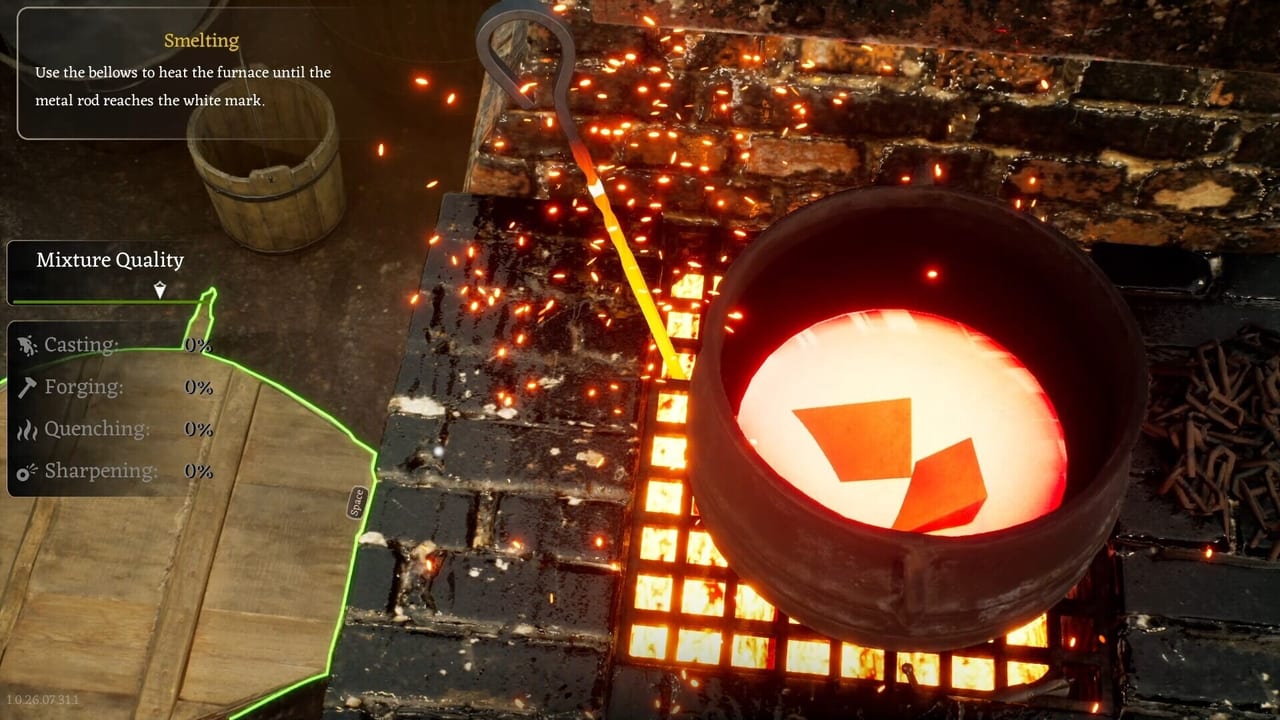
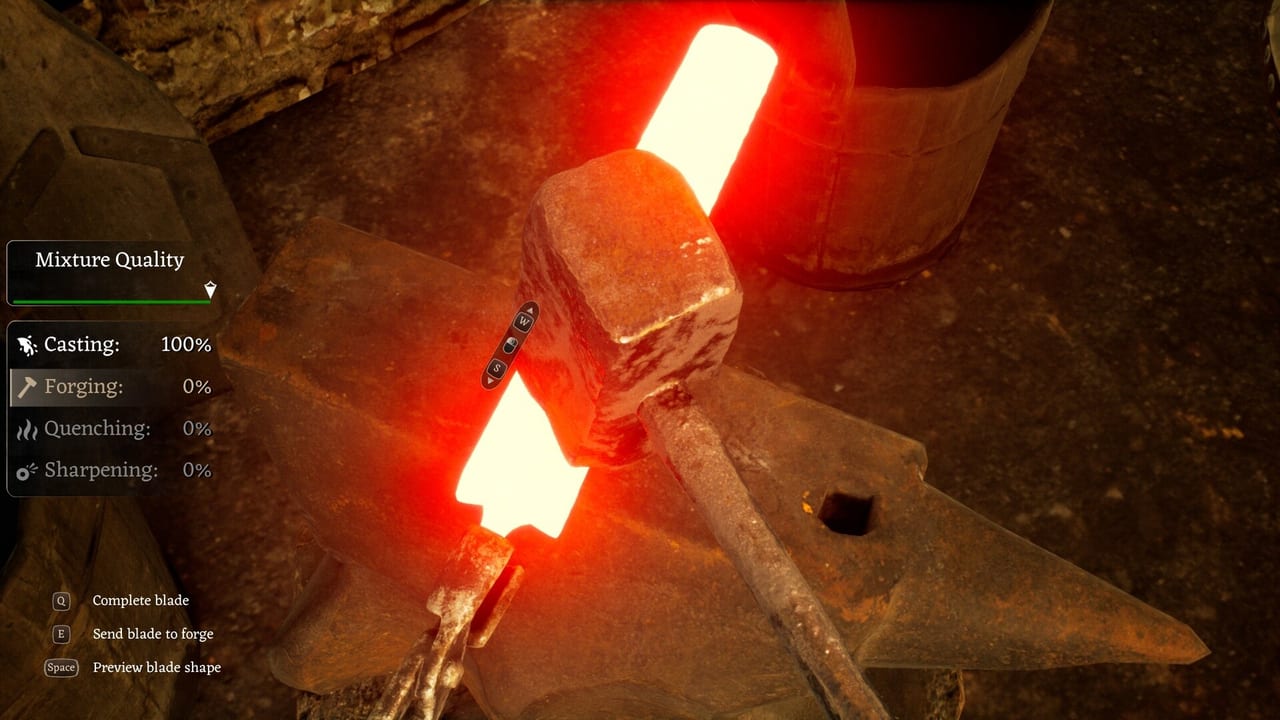
Guides explain. Tools sit on the second monitor. This hub holds the two lists that launch-week players actually needed: a forge station checklist so you do not skip the grindstone, and a cart priority order so a battlefield does not become two bars.
They are not calculators with fake DPS. Sword & Shield Simulator has not published a public formula that would make a damage widget honest. They are checklists. Use them with How to Forge and How to Get Materials.
When to open which
Open the forge checklist when a contract names a quality you keep missing. Open cart priority when the wagon is half full and every helmet looks important. Open system requirements when the tool you need is “does this PC even run.” Open Performance and Bugs when the tool you need is “why is the mouse late.”
What we will not ship
No code redeem form. No script injector. No Trello scrape. This is a Steam single-player sim. A tool that pretends otherwise is spam.
If a later patch publishes real quality numbers, we can add a table. Until then, lists beat fake math. Keep this hub bookmarked, keep the Items Hub for names, and keep the Guides Hub for the why. The anvil does not care about your overlay. It cares whether you actually ground the edge.
How the two tools talk to each other
You cannot run the forge checklist on an empty bin. You cannot run cart priority and then skip the grindstone and call the evening a success. Use cart, then checklist, then a save. That is the whole toolset on purpose. Extra widgets would pretend we have numbers the studio has not shared. When they share them, this hub will grow. Until then, two lists and the system requirements page are enough hardware and enough process. Anything else is a guide, and guides live next door in the nav. If you came here looking for a damage spreadsheet, you will leave with two lists and a slightly better evening. That is the correct outcome for a sim that has not published formulas. Bookmark both child pages. Open them in a split window with the game. Close the wiki when the coal is in. The Guides Hub can wait until a station actually confuses you.
Frequently Asked Questions
Quick answers to the most common questions.
Are these interactive calculators?
No. They are checklists based on official loop order and salvage weight. Fake DPS widgets would be dishonest.
Which tool should a new player open first?
Forge checklist after the tutorial, cart priority before the first battlefield.
Will you add a travel-cost calculator?
Not while the gate cost is only player-reported. Confirm in-game, then use the travel guide.