Getting Started in Sword & Shield Simulator
A first-hour order of work for the Danburg smithy after the 11 August 2026 Early Access drop.
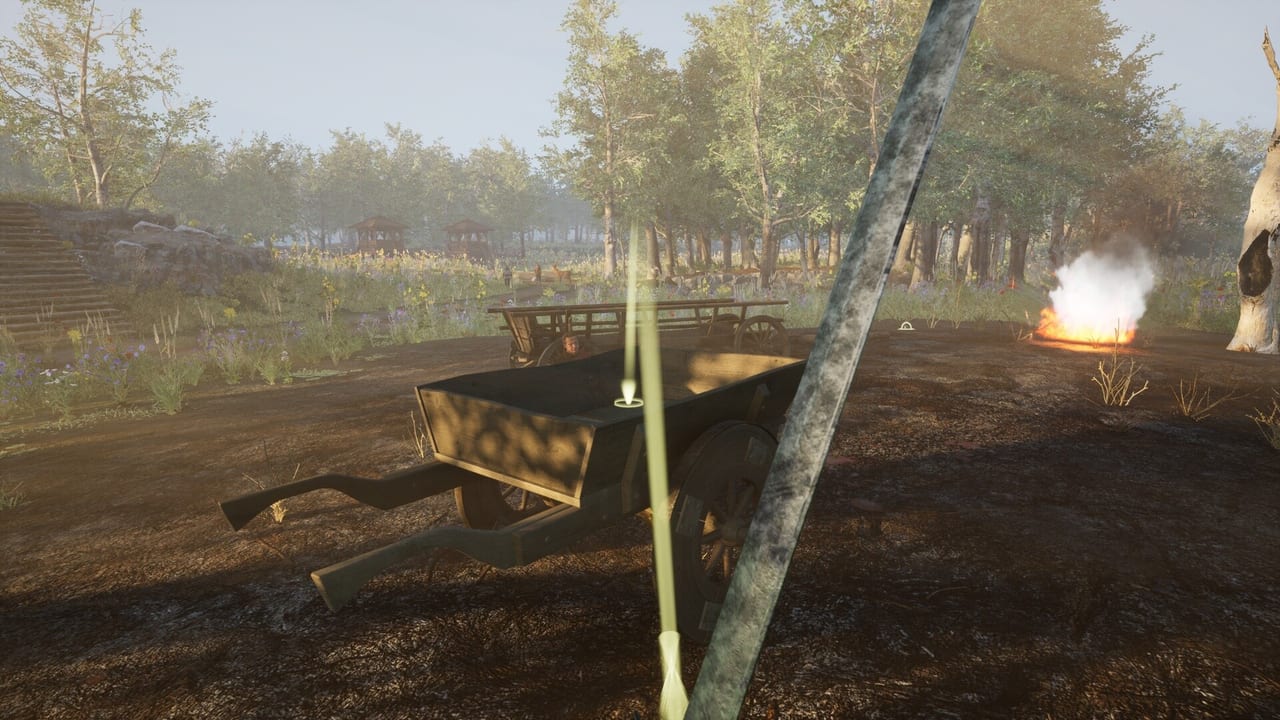
Sword & Shield Simulator puts you in first person as a craftsman, not a general. War has already chewed through the people around Danburg. You arrive on a battlefield that looks quiet, pick through swords and helmets, load a cart that cannot carry everything, and take the haul back to a workshop that will define the rest of the game. This page is the onboarding pass: what to do before you chase Bloodlands, and what to ignore until the forge loop is muscle memory.
The store copy is honest about the fantasy and light on the friction. Early Access user reviews are the opposite. They like the idea and bounce off janky stations, unexplained travel costs, AI voices, and quests that break after a crash. Read this guide as a way to waste fewer of those first ninety minutes. Then keep How to Forge and How to Get Materials open while you actually swing the hammer.
What kind of game this is
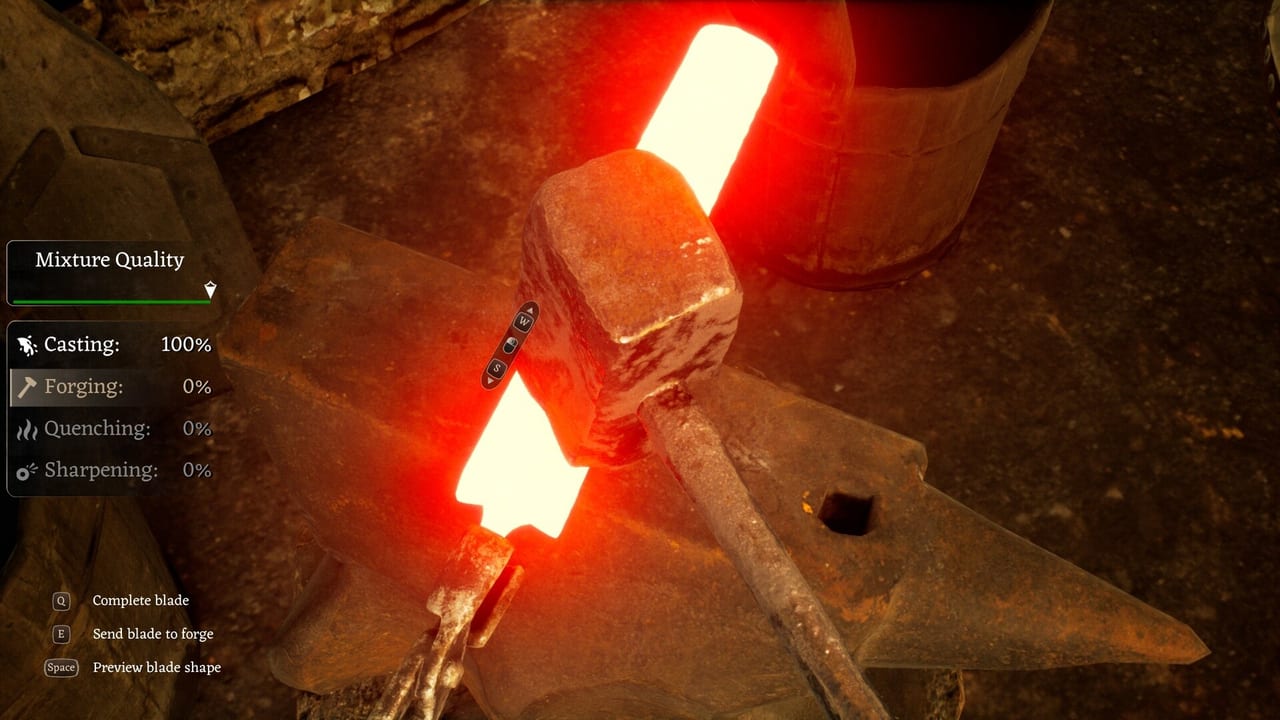
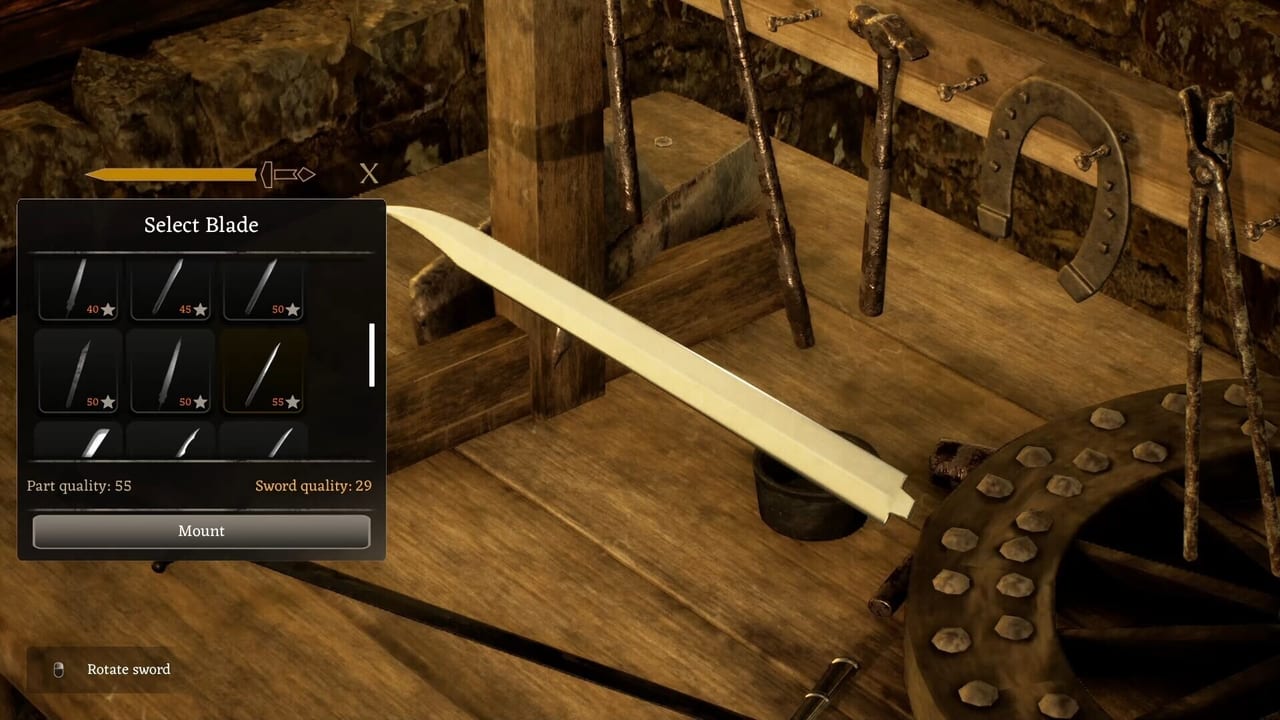
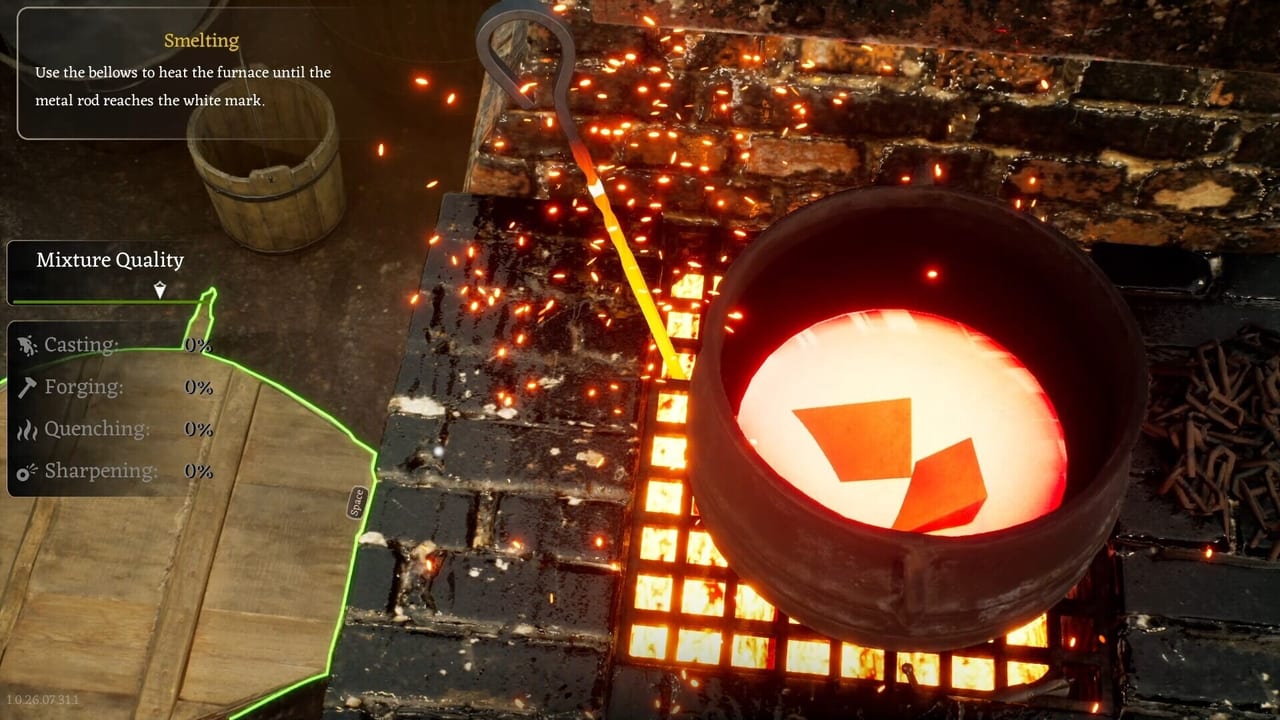
This is a single-player Windows sim on Steam. You smelt, hammer, grind, and chisel. You assemble swords in a designer from interchangeable blades, guards, handles, and pommels. Shields are built piece by piece. A small furnace stays busy with horseshoes, scythes, nails, knives, and lockpicks. Outside the smithy you mine, hunt, chop trees, lockpick, take contracts, trade, and follow story missions across three regions in the current build: Danburg, Bloodlands, and Grainmill. Talstein is promised later. There is no online session to carry you.
Voice-over is AI-generated. Several reviewers called it monotone or worse. You can still play with text. If headphones fail on first launch, that is a known complaint; try default speakers once so you are not stuck in a silent tutorial.
First hour, in order
Finish the in-game forge tutorial even if the stations feel stiff. The loop is the product. Skipping it to “explore” is how people leave a sword on a disappearing workbench. After the tutorial, do one complete custom sword in the sword designer so you have seen every part slot. Then take the cart to a nearby salvage field with a plan from the cart priority tool. Heavy metal in, decorative junk out.
Do not sell your only decent blade to buy cosmetics. Contracts want quality. Traders in Early Access may price a high-grade piece like a starter sword; that is a live complaint, not a feature to theorycraft around. If two swords of wildly different quality show the same coin, keep the better one for travel trades and story gates. Read How to Travel Regions before you assume a shrine is a free fast-travel button.
Learn controls while the streets are empty. If the cursor misses UI buttons or the hammer input feels a frame late, jump to Performance and Bugs immediately. VSync and Performance Mode are the two studio-recommended levers. Playing through input lag trains the wrong muscle memory.
The story you actually need
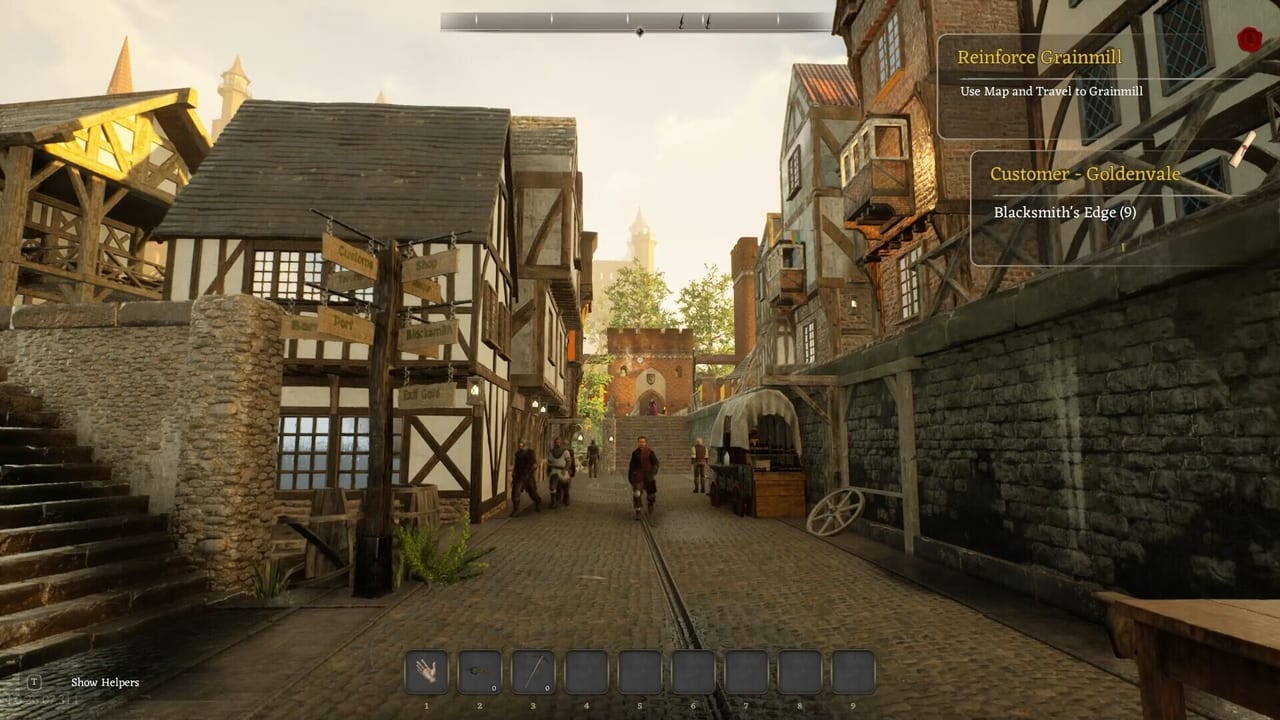
You are a smith in a wartime economy. Townsfolk hand out forge contracts and slowly open the mystery around Richard and a missing father. You do not need a lore wiki to start. You do need to know that NPCs are not wallpaper: they are how contracts, rumours, and some unlocks arrive. Listen, then go back to the anvil. The Danburg map is the right companion for streets, the forge, and the underground rumour of a Thieves Guild.
Lockpicks can be crafted at the forge or found in the world. Failed lockpicking can put you in prison. That is on the store page, not a meme. Craft a few picks before you poke every cellar.
What to gather versus what to ignore
Battlefield salvage is the hook and the trap. Helmets, armour, and broken swords can be melted. The smelter cares about weight more than souvenir count. A cart of mixed tinny bits can collapse into a handful of bars. That is why materials and How to Get Materials exist. Mine coal and iron when you can. Cupronickel is called out in a devlog as a rarer alloy metal. Wood matters for shields and tools; take an axe to marked trees instead of stripping the whole forest.
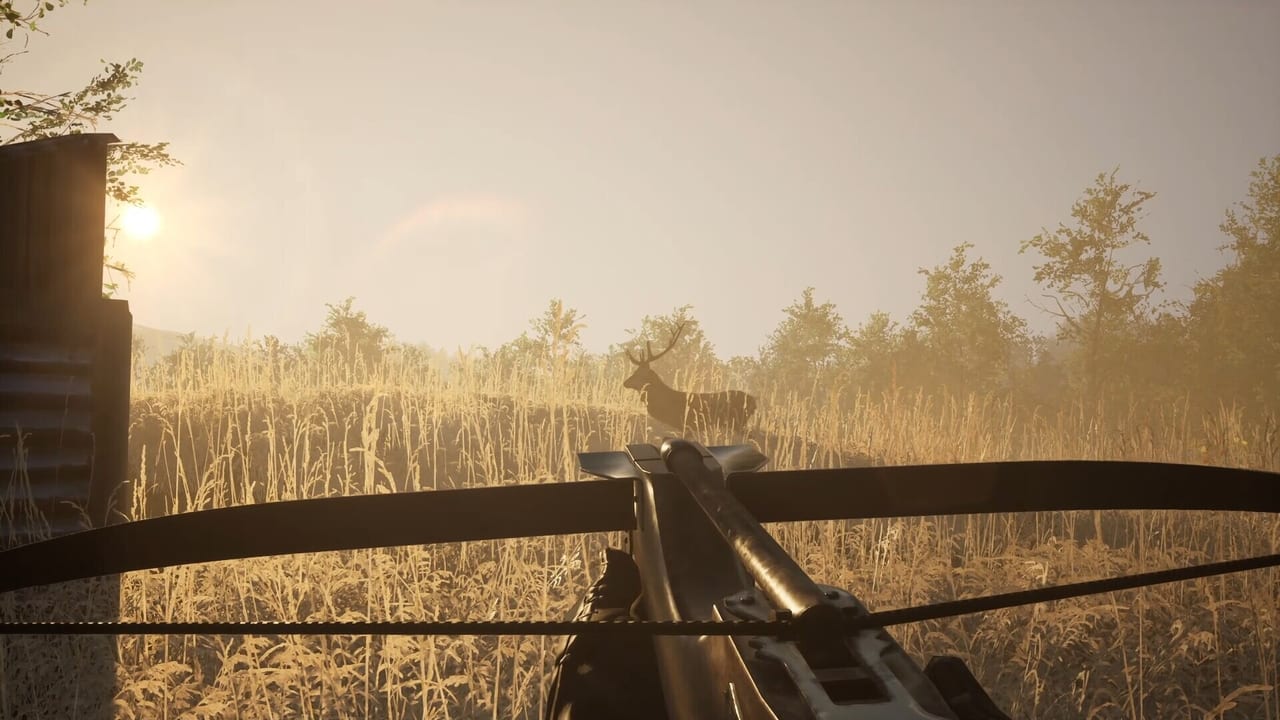
Hunting exists. One detailed Steam review says male deer could not be sold or stored and then duplicated into a pile that blocked the shop. Treat hunting as optional until a patch says otherwise. Do not fill the forge floor with carcasses.
Hardware and expectations
Check system requirements before a long session. The Steam page wants an SSD, DirectX 12, and a GTX 1070 / RX Vega 56 class GPU at minimum. Integrated graphics are a bad bet. If the picture is pretty and the hammer is late, lower settings and use Performance Mode. The Early Access review is blunt about whether the purchase makes sense today.
When the first hour is done, you should have: one finished sword you understand, a cart rule you can repeat, a save before the next smelt, and a path into How to Forge. That is enough. The rest of the wiki is there when a region gate, a shield boss, or a broken quest shows up.
Frequently Asked Questions
Quick answers to the most common questions.
Is there a casual mode that skips the story?
Not as a separate advertised mode. The forge is the core. Story missions sit around it. You can linger at the anvil, but the current build still pushes you into the world for materials and travel.
Should I skip the tutorial?
No. Station order matters and the workbench has a history of disappearing during design or casting. Finish the tutorial, then make one full custom sword.
What should I never sell in the first hour?
Your best assembled sword, unique-looking parts, and anything a quest marker still points at. Coin is easier to replace than a travel-gate blade.
Is this a Roblox simulator?
No. It is a Steam Early Access blacksmithing game. There are no working promo codes on this wiki.