Sword & Shield Simulator Controls
First-person movement, station interactions, cart driving, and what to do when the cursor lies.
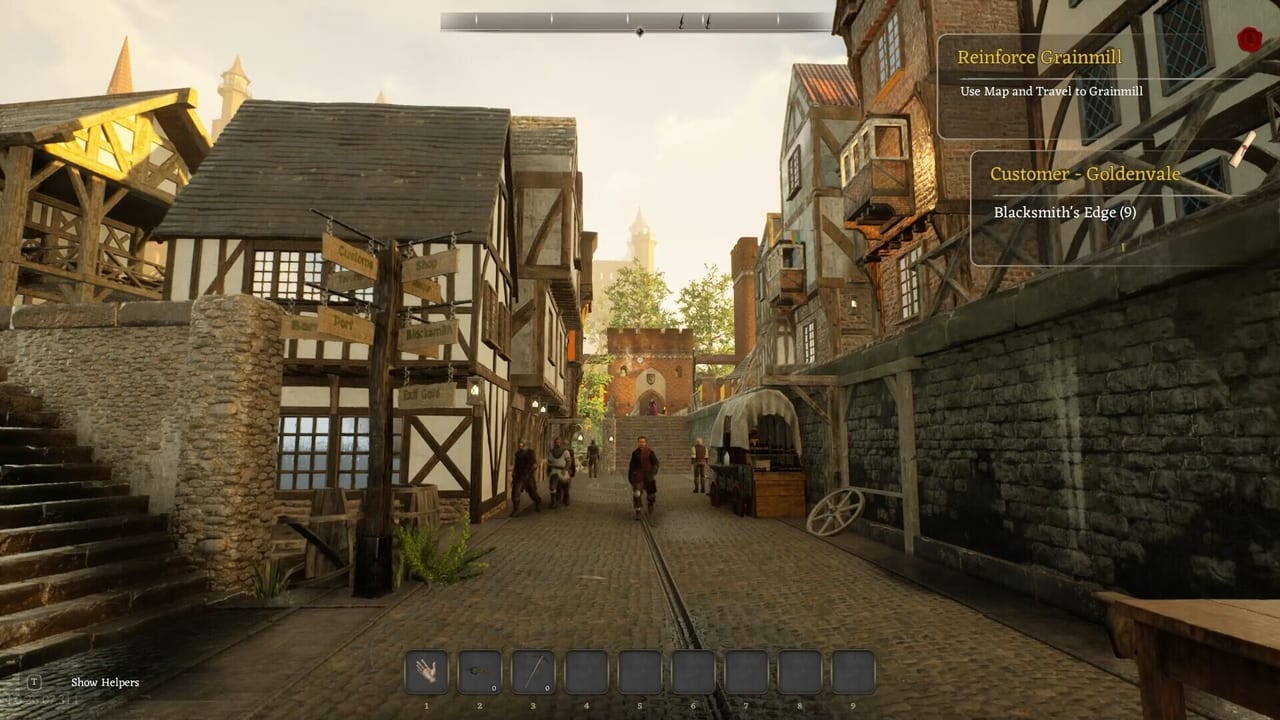
Sword & Shield Simulator is a first-person Unreal Engine game. You walk the streets of Danburg, drive a cart, and then lean into station minigames that want precise mouse and click timing. This page is not a fake full keybind dump. The studio has not published a complete public chart, and several “control problems” in reviews were actually mouse readability bugs. Treat this as a working map of actions plus the failures that look like missing keys.
If the hammer feels late, skip to Performance and Bugs before you rebind everything. If you are still in the first hour, keep Getting Started nearby.
Movement and looking
Expect standard first-person move and look. Sprint, crouch, and jump exist in the usual Unreal pattern, but do not assume a parkour kit. This is a smithing sim with streets, not a soulslike. Double-jump rumours from unrelated Roblox sword games do not apply here.
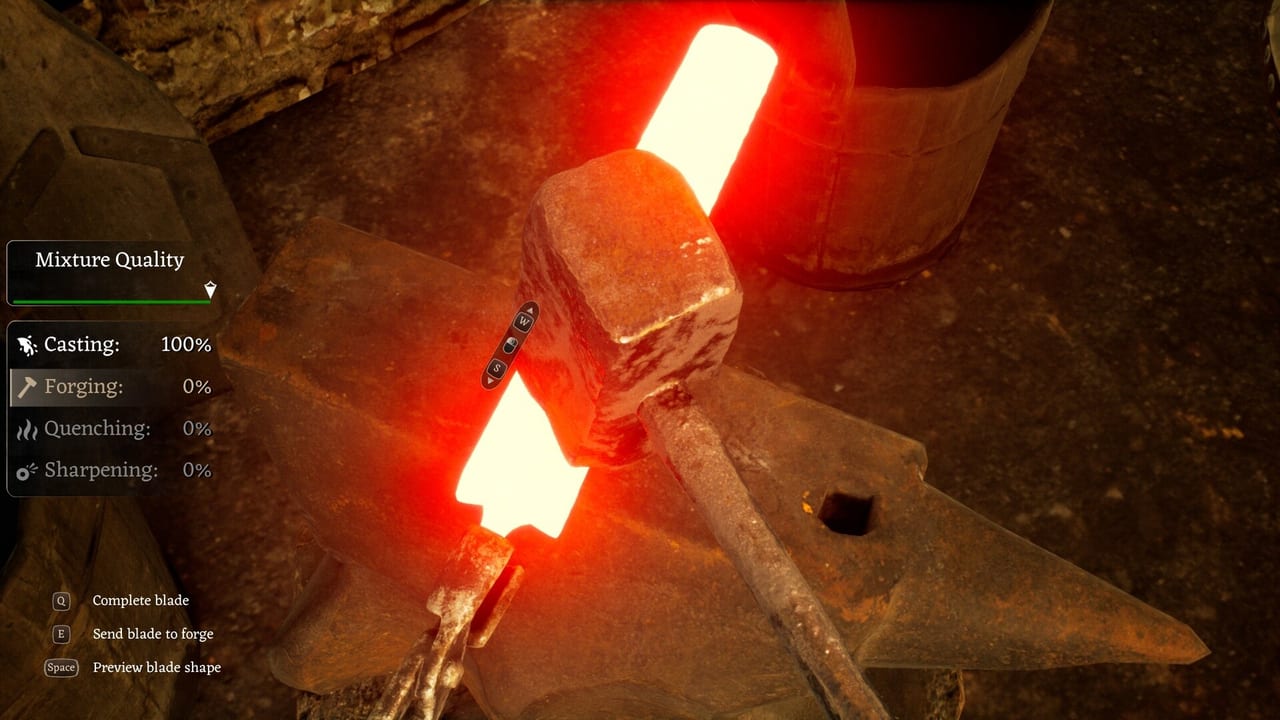
Interact is the important bind. You will use it constantly: furnace, anvil, grindstone, chisel, designer, NPCs, chests, shrines. If interact works on world objects but not on UI buttons, you are in the mouse-pointer bug, not a missing key. A patch claimed to fix misaligned or dead UI cursors. If yours is still wrong, the studio asked for a DxDiag and the input device name.
Stations want clicks, not combos
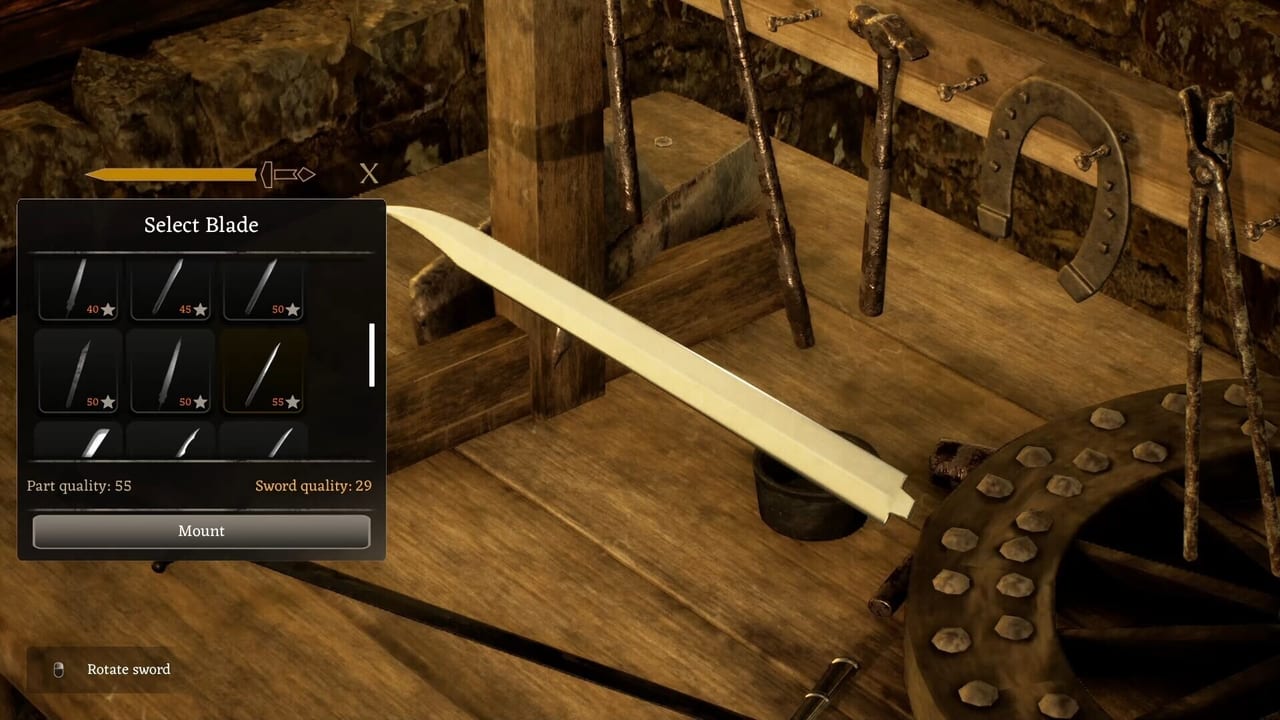
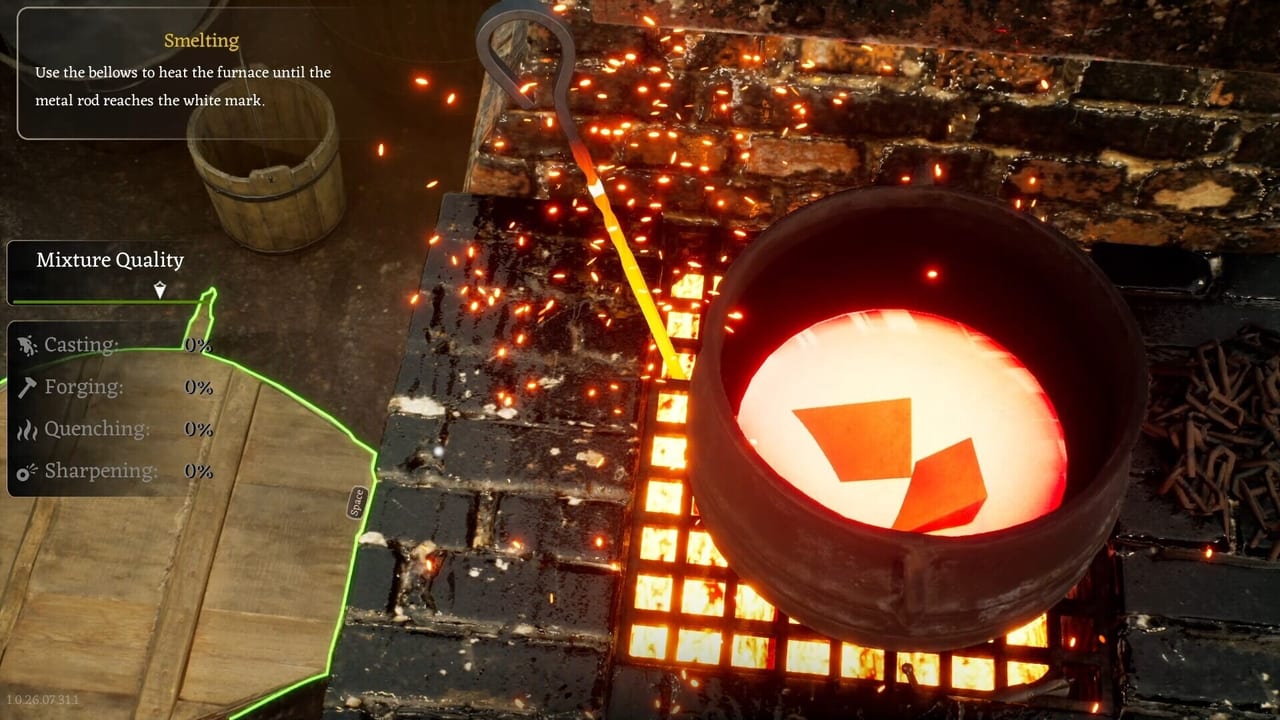
Forge minigames are timing and placement, not a fighting-game string. Reviewers described a delay between button presses while blacksmithing. That delay makes people mash. Mashing duplicates items or skips a quality step. Click once, wait for the station to answer, then continue. Read How to Forge so you know which station you are even in.
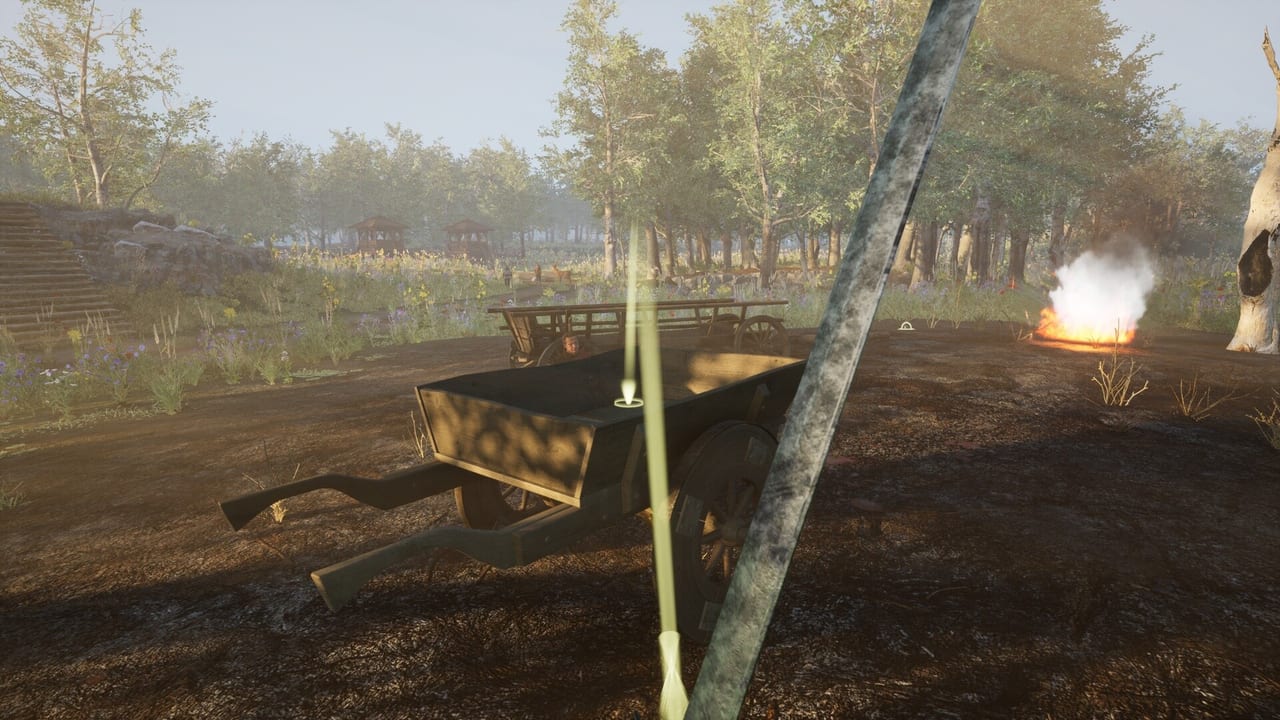
When you exit a cart, demo notes mentioned inactive input. If WASD dies after a wagon, wait a beat, click the world, or re-enter and exit again. Do not assume the save is bricked until you have tried that.
Cart and camera
The cart is a vehicle with a load limit and wheels that take damage. Drive like the left wheel is fragile; players reported damage from rocks on the opposite side. Look behind you before you reverse into a stall. If the cart will not leave a battlefield when a quest says Grainmill, that is a travel or stuck-world issue, not a missing “drive” key. See How to Travel Regions.
Camera hitching is common in the Unreal build. Lower motion blur, try Performance Mode, and avoid spinning the view while a station animation is playing.
Audio and devices
One review could not get headphones working and had to use laptop speakers. Another asked for the input device when mouse issues persisted. If a control “does nothing,” swap the device once before you hunt a hidden bind. Custom volume controls are a listed Steam feature; mute the AI voices if they are the problem, not the anvil.
Controller support is not a headline feature on the store page. Play with mouse and keyboard unless a patch notes say otherwise. Steam Deck compatibility was listed as unknown on third-party scrapers at launch.
A sane bind-check routine
- Confirm look and move in an empty street.
- Open any UI. If the cursor misses buttons, stop and apply the performance page.
- Interact with the furnace once. If the world interact works and the menu does not, it is UI, not movement.
- Drive the cart ten metres and exit. Confirm input returns.
- Only then start a long materials run.
Keep this routine after patches. Input fixes already shipped once and may regress. Day One Patch 1.0.26.08.12.3 says keybinds actually save — rebind, restart, confirm before you blame the file. Close extra item-preview windows; that build also fixed a double UI input bug next to chests. The patch notes page is where those notes belong, not a screenshot of your entire keyboard.
When controls feel fair, go back to making a blade. The sword designer is still the point. Keys are just how you refuse to fight the cursor instead of the steel.
Frequently Asked Questions
Quick answers to the most common questions.
Where is the official keybind list?
The studio has not posted a complete public chart. Use in-game prompts. Many "missing binds" were mouse and UI bugs.
Why does clicking the hammer do nothing?
Input delay and UI misalignment are documented. Disable VSync, try Performance Mode, and avoid mashing.
Can I play on a controller?
Keyboard and mouse are the safe assumption. Controller is not a store-page headline. Test in a street before a long forge session.
My input died after leaving the cart. Now what?
Wait, click the world, or re-enter the cart. Demo notes called out inactive input on cart exit.