Sword Designer in Sword & Shield Simulator
Mix parts on purpose: soldier steel for contracts, showpieces for gates, never a junk drawer of leftovers.
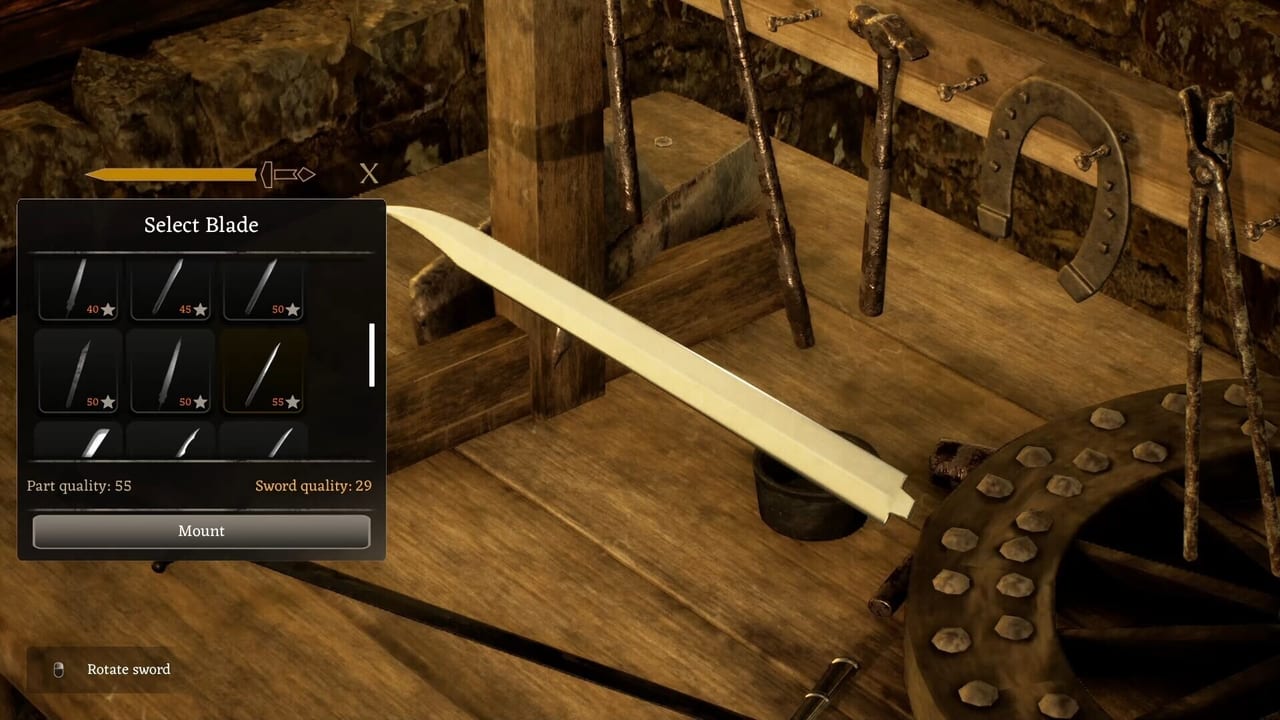
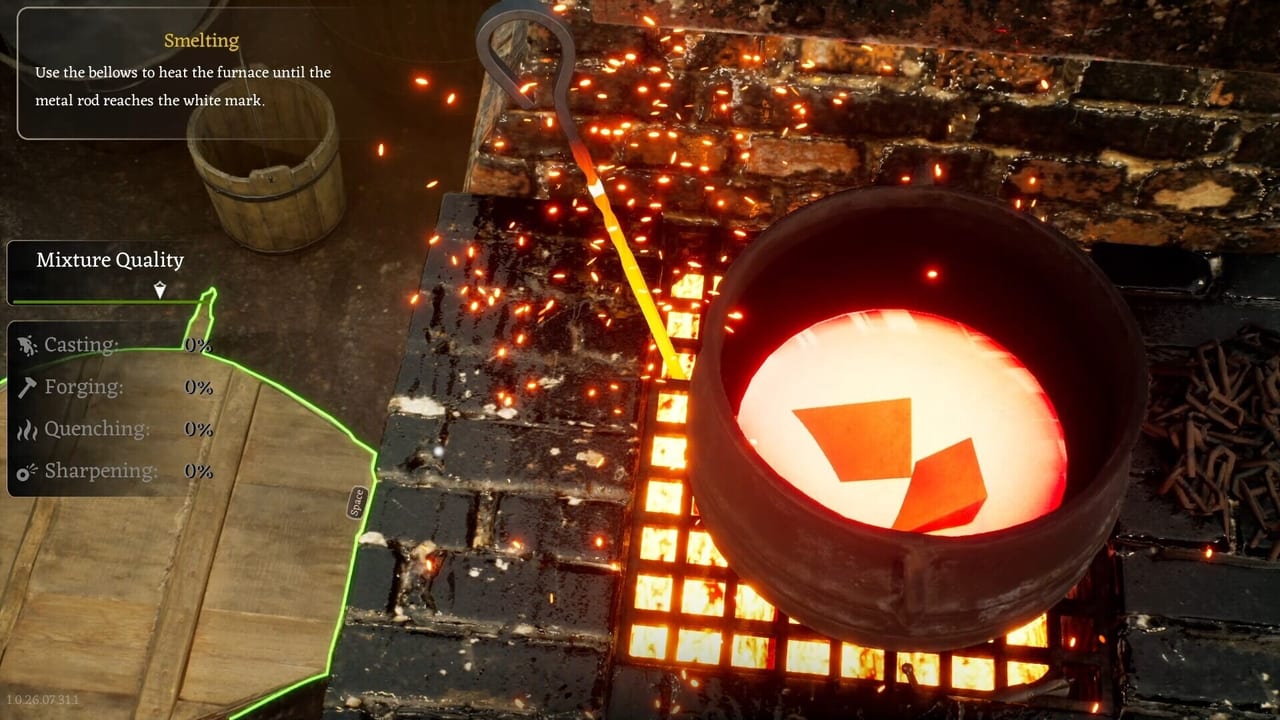
The sword designer is where Sword & Shield Simulator stops being a melting minigame and becomes a workshop. You mix and match blades, guards, handles, and pommels. The store page sells the fantasy of a common soldier’s steel and a noble showpiece. Early Access still hides some higher-tier parts behind the full release plan. This page tells you how to use the slots you have without turning the bench into a junk drawer.
Read How to Forge first so the parts you slot are actually finished. Read sword parts when you need names. Read How to Travel Regions before you spend a masterpiece on a trader who pays starter prices.
The four slots
Blade. This is the job. Length, profile, and the metal you mixed in the furnace decide whether the piece is a tool, a soldier’s sidearm, or a display object. Do not put cupronickel into a practice blank. Iron learns the UI. Rare bars wait for a blade you will keep for a gate or a named contract.
Guard. The guard is not only looks. It is mass and silhouette. A heavy guard on a light blade feels wrong in the designer and may fight the quality the grindstone just earned. Match the contract language. “Simple” means simple.
Handle. Wood and wrap choices eat the timber you chopped in How to Get Materials. If you are short on wood, finish metal first. A naked tang in the designer is a reminder, not a style.
Pommel. Balance and finish. A flashy pommel on a bad blade is how you waste a rare drop. Save ornate pommels for the showpiece you will not sell on day one.
Molds for casting showed up in forge updates. If a mold is greyed out, you are gated by tutorial, region, or missing metal — not by a secret keybind. Do not force-click a vanished workbench. Reload. That disappearance bug is documented in patch notes.
Builds that match the economy you actually have
Until traders respect quality, think in jobs, not in DPS.
- Contract filler. Iron blade, plain guard, cheap handle, leftover pommel. Hit the requested grade. Deliver. Do not overbuild.
- Travel / gate piece. Players report needing multiple high-level weapons and armour pieces to move between regions, and that the cost may repeat. If that is true in your build, this is the sword you do not sell. Confirm in-game. See the travel guide.
- Showpiece. Mixed metal, full grind, chisel work, matched parts. Keep it. Screenshot it. Do not dunk it into a 400-coin trader window because the number looks like progress.
There is no PvP tier list here. There is no meta blade that wins a raid. The Review Hub exists because people are asking whether the designer is fun enough to buy. Your answer after three swords is more useful than a fake S-rank chart.
Casting, dismantling, and the chisel
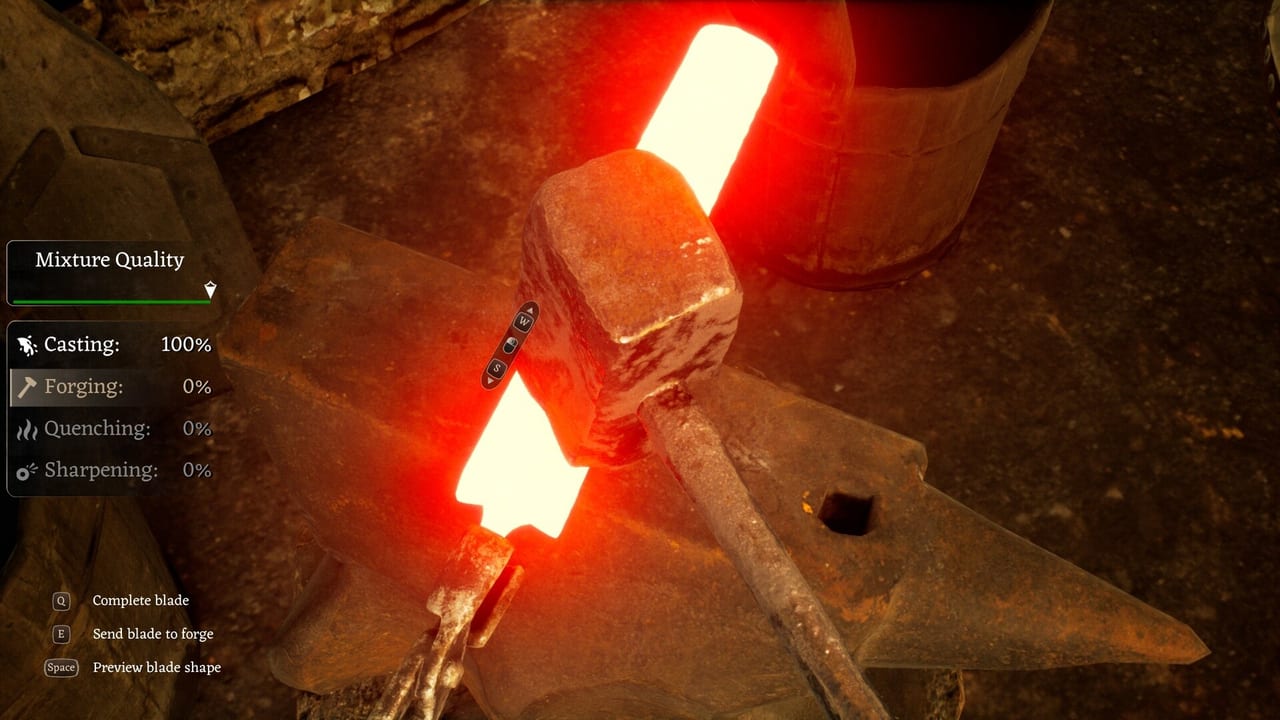
You can unfold recovered swords with a chisel and reclaim parts or metal. That is the battlefield loop closing. Dismantle junk. Do not dismantle the only blade that matches a quest icon. If the designer lets you cast from a mold, watch the workbench. Demo notes said the bench could vanish mid-cast. Save before you pour.
Shields are a sibling system, not a tab on the same sword. Build those on the shield flow described under shields and ironwork. Mixing the two benches is how people lose a boss plate in a blade slot.
When the designer fights you
Input delay during smithing minigames will also show up here if you click parts like a rhythm game. Slow down. If UI clicks miss, that mouse bug had a dedicated patch and still might need a DxDiag on odd hardware. Performance and Bugs lists the studio advice.
If a part appears on the bench but not in the inventory, treat it as a ghost. Do not assemble around it. Reload the Getting Started save habit: unique piece, unique save.
Higher-tier blades, guards, handles, and pommels are explicitly listed as full-version goals on the roadmap. If your menu looks small, you are not missing a hidden DLC. You are in Early Access. Make excellent iron. The fancy catalog is the carrot, not the current toolbox.
When the piece is done, walk it to a contract or a chest, not straight into a panic sell. Then go back to the Guides Hub for the next hole in your loop — usually materials or travel, not another pommel.
Frequently Asked Questions
Quick answers to the most common questions.
What parts can I mix?
Blades, guards, handles, and pommels. Higher-tier catalogs are planned for the full version. Early Access does not include every part on the store roadmap.
Should I sell custom swords?
Sell contract fillers. Keep high-grade pieces until you know whether travel gates and traders respect quality in your patch.
Why is the workbench gone?
A known bug. Reload. Do not keep placing parts into empty space.
Is there a best sword build?
No ranked PvP list. Match the contract or the gate. Iron for practice, rare alloys for keepers.